Module Configuration
Accessing Settings
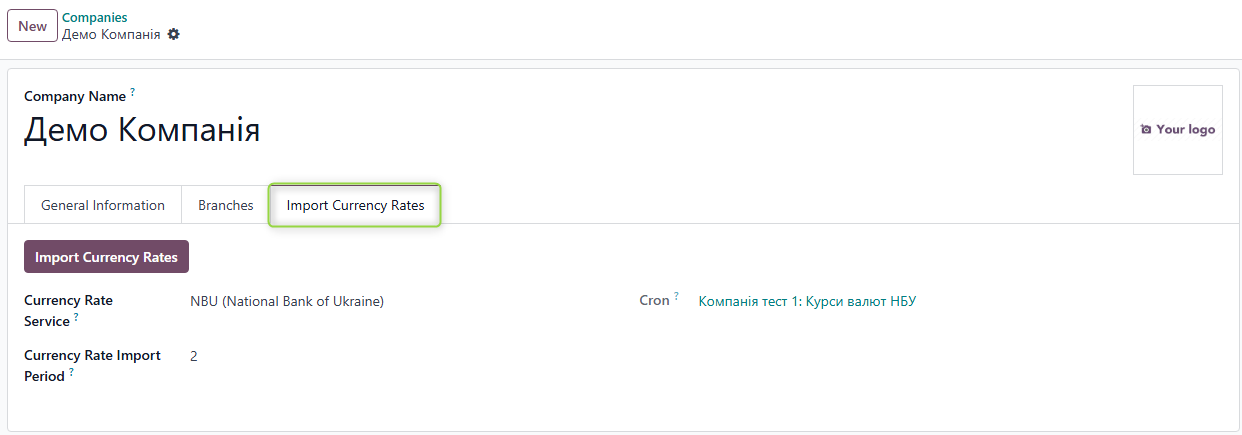
After installing the module, go to: Settings → Company → Open Company Form
A new tab Import Currency Rates will appear in the company form.
Configuration Fields
Currency Rate Service
Select the service from which exchange rates will be imported. By default, NBU is selected.
The field can be left empty, but in this case, the import will not be executed.
Currency Rate Import Period
Specify the interval in days for which rates should be imported.
During manual import, the system automatically calculates the start and end dates of the import based on this number and the current date. Values can be changed manually.
Automatic Import
Scheduler (cron) that performs automatic exchange rate import.
- Cron is created automatically for each company after saving currency import settings
- Field is visible only in DEV mode
- By default, cron is inactive
Manual Currency Import
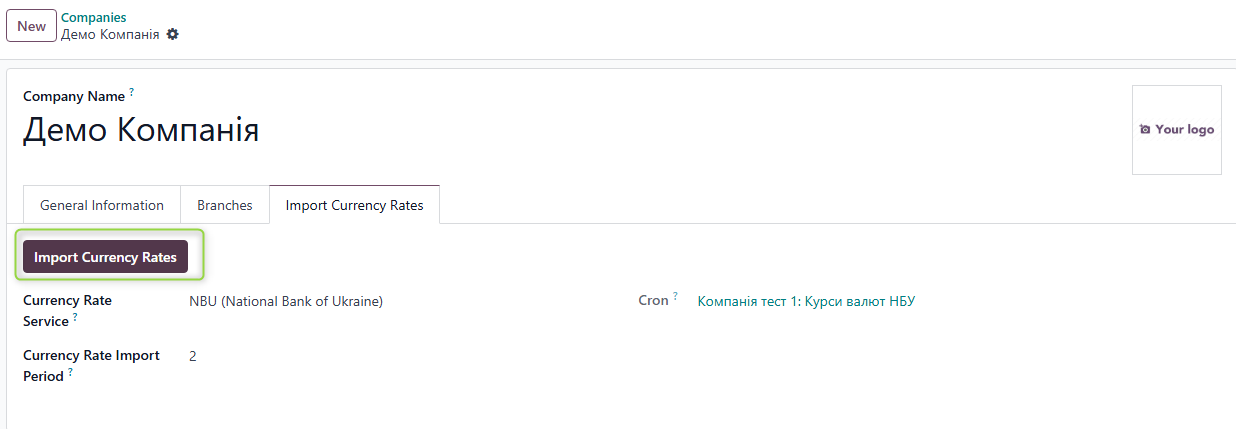
Step 1: Start Import
For manual import, click the Import Currency Rates button
Step 2: Configure Period
If needed, you can change the exchange rate import period.
Click Import

Step 3: Verify Results
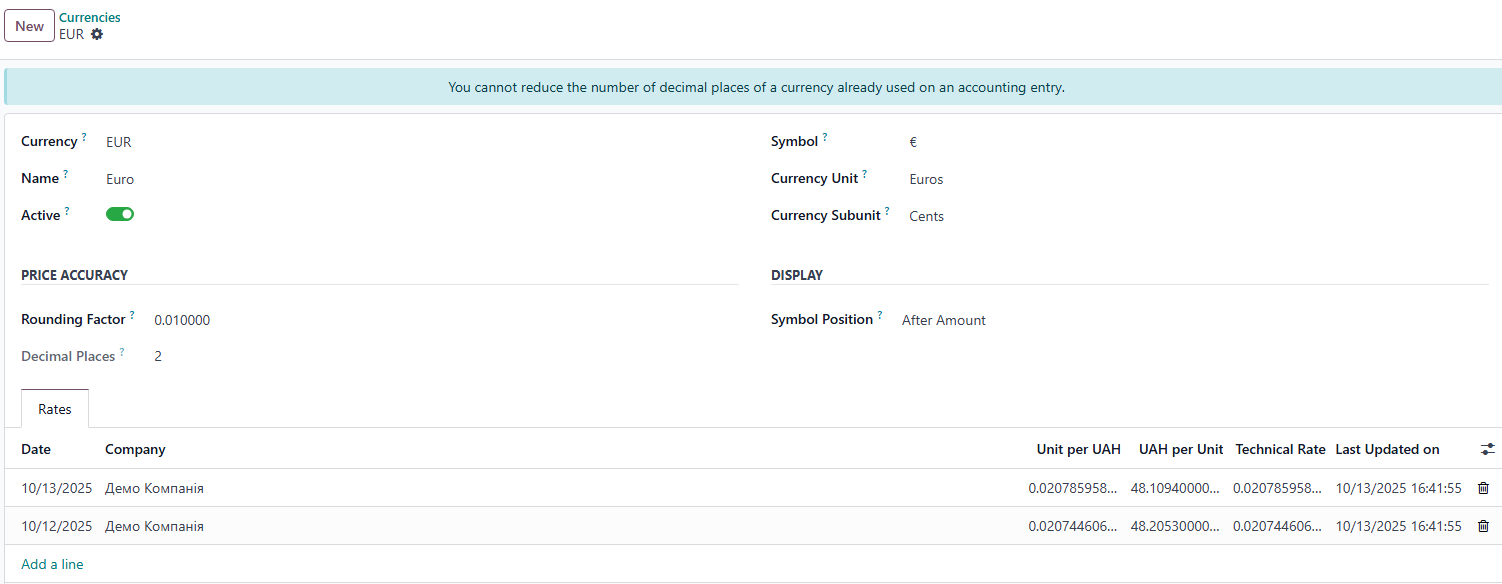
Go to Accounting → Configuration → Currencies.
Exchange rates have been imported into the system.