Configuration
Initial settings
Before using the module:
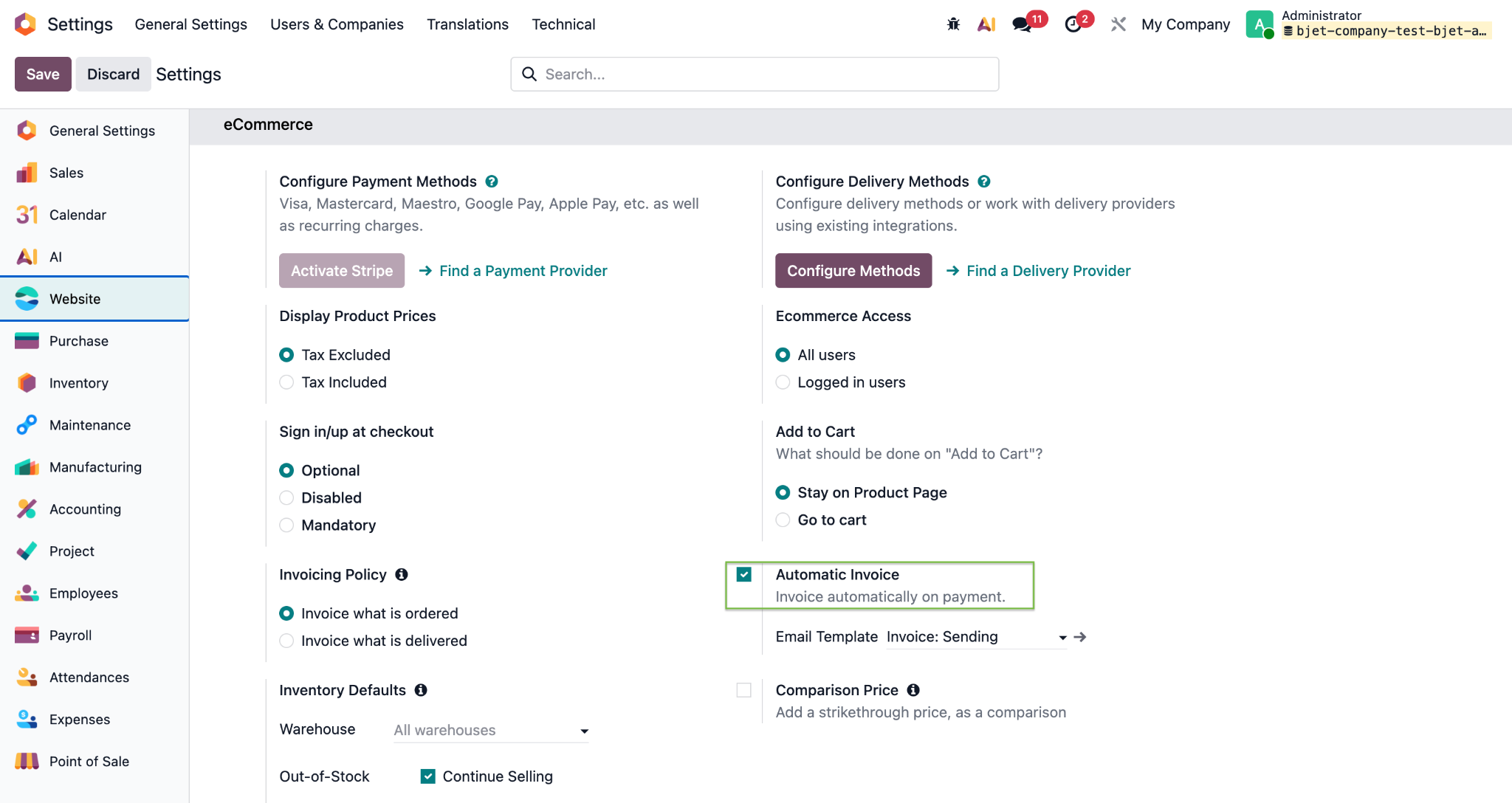
- General Settings → Website — enable the Automatic Invoice checkbox so that invoices are created automatically for website orders.
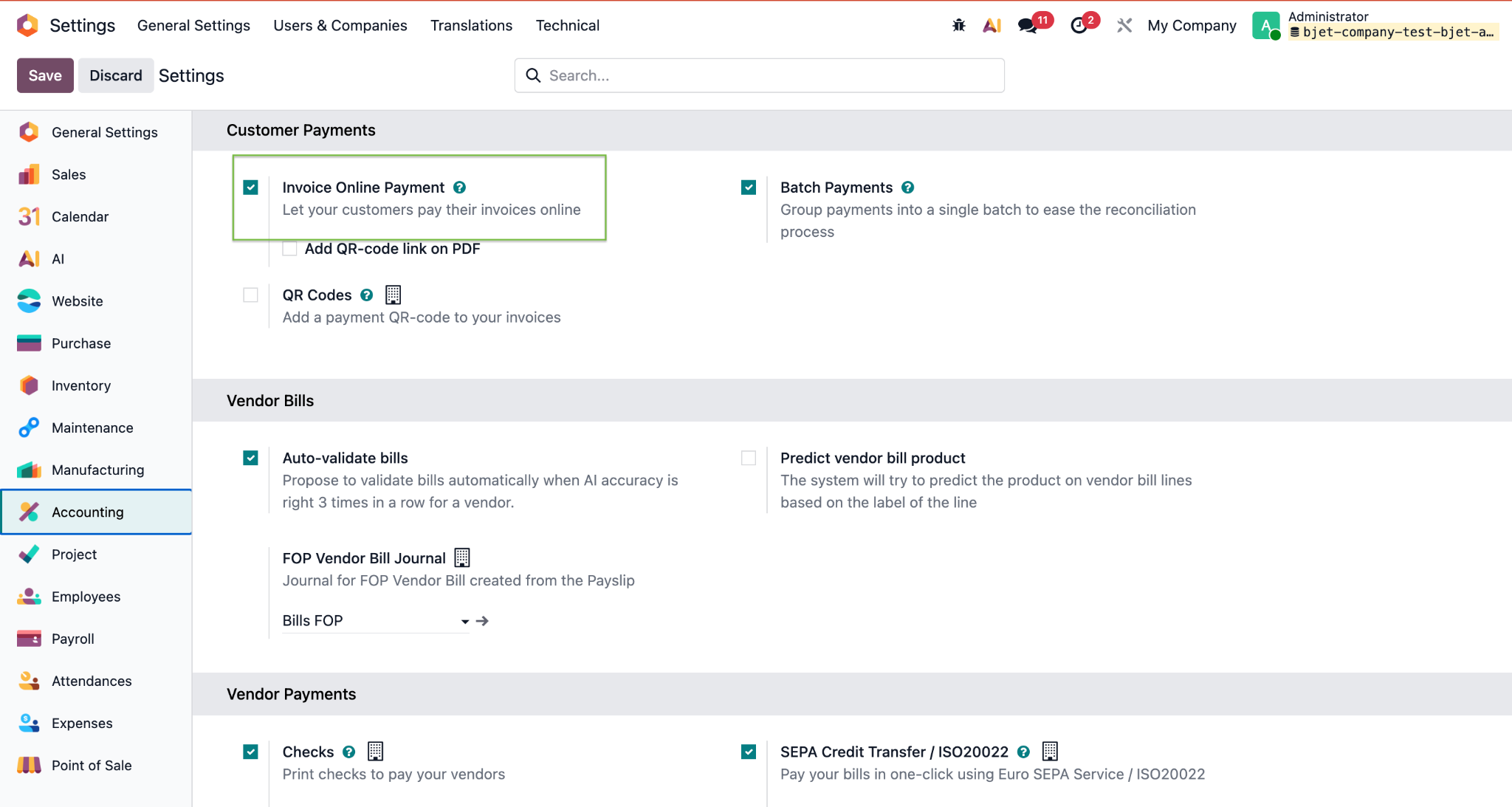
- General Settings → Invoicing (Accounting) — enable the Generate invoice for online payment checkbox to create payment links from Sales Orders and Invoices.
Plata by Mono payment provider configuration
- Automatic provider creation on module installation
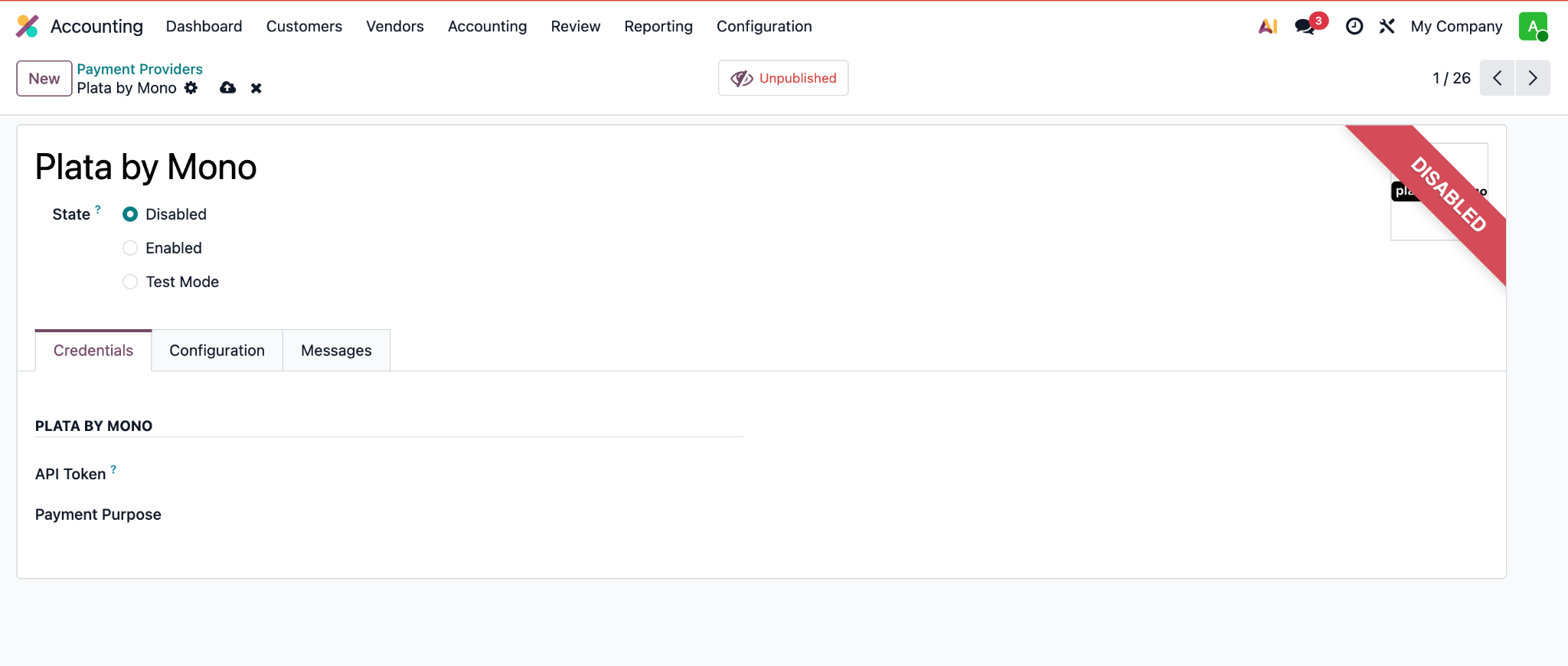
After installing the Plata by Mono Payments on the Odoo Website module, a payment provider in the Disabled state is automatically added for every company in the database.
Path to the provider:
- Accounting (Invoicing) → Configuration → Payment Providers
- or Sales → Configuration → Payment Providers
For each active company:
- a separate provider record is created with code = plata;
- the initial provider state is Disabled;
- the provider is unavailable on the website and in Payment Link until it is configured and activated.
- Working in a multi-company environment
In a database with several companies:
- the Plata by Mono provider is created separately for each company on installation;
- Plata by Mono settings (token, journals, etc.) are company specific — unique per company;
- when switching the active company (Company A → Company B), the Payment Providers list shows the Plata by Mono record of the currently active company, with its own settings.
- The Plata by Mono API token field
To activate Plata by Mono, go to Accounting (Invoicing) → Configuration → Payment Providers or Sales → Configuration → Payment Providers.
On the Plata by Mono provider form, on the Credentials tab, fill in the field:
- API Token (X-Token)
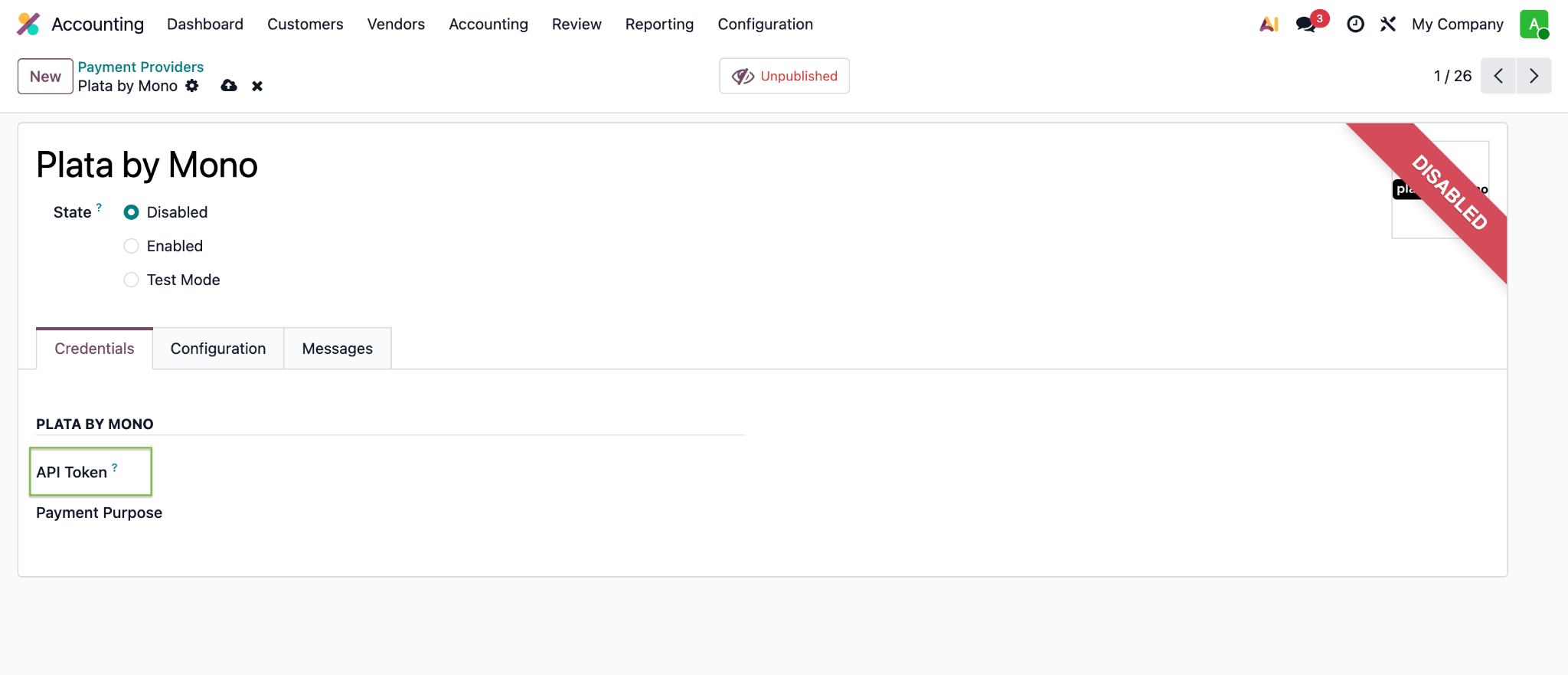
To obtain the token, log in to your Plata by Mono / monobank merchant cabinet and copy the X-Token value.
The token is stored masked (like a password) and is not logged.
Paste the token value into the provider record and click Enabled (for production) or Test Mode (for testing).
After that, the provider status changes to Published.
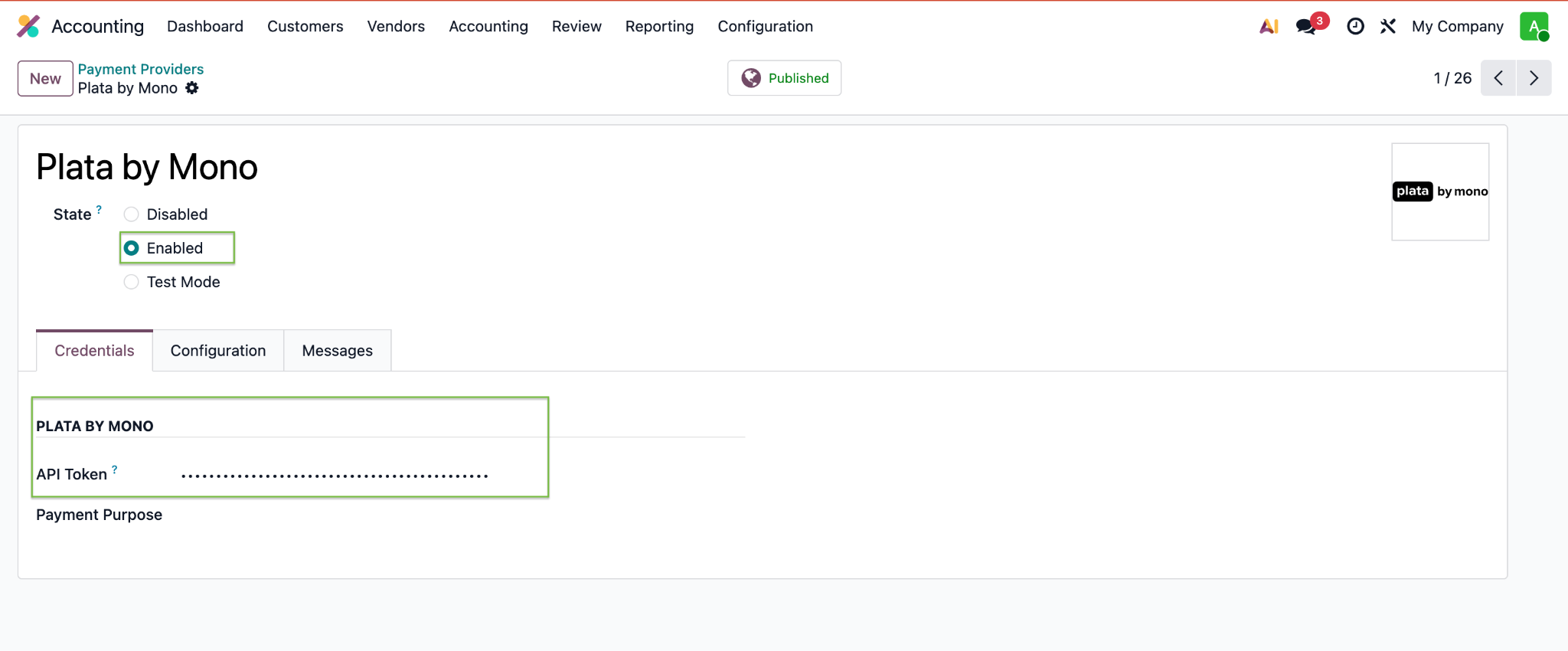
- For the provider to appear on the website, it must be published (is_published = True).
- When duplicating the provider, the token in the copy is cleared — it must be configured again.
Bank journal configuration (for Enterprise with Accounting):
Open the relevant bank journal, go to the Incoming Payments tab and set the accounting account for the Plata by Mono payment method. This account is then used to create the accounting entries for Plata by Mono payments.
For each new company created after the module is installed, the Plata by Mono payment provider must be configured separately.